





Easily import and manage your list of names directly within the logo embroidery file, then save it as a reusable template*. Use the Matrix feature to automatically generate and sequence designs for optimal production, all within one ready-to-use file. Perfect for sports teams and uniform orders.
*Template-saving capabilities are included in Team Names Advanced, available with the DESIGNING subscription.
Wilcom lettering just got better!
Every product level now delivers professional-quality lettering with automatic expert resequencing. Overlaps and key stitches are precisely managed and neatly tucked beneath embroidery strokes, creating a sharp result that feels as if it were manually digitized by a skilled expert.
Master your production-based digitizing
Single Click Functions
Instantly remove overlaps, fill holes, center all, and access many other time-saving tools with just one click!
Reduce Costly Trims and Jumps
Branching will automatically sequence your selected objects and create travel runs for you to eliminate unnecessary and costly trims.
Powerful Transformation and Shaping Tools
With a single click you can weld, flatten and removing excessive overlaps in your embroidery using Shaping Tools.
Outlines and Offsets
Easily create precise outlines and multiple offset borders with independent stitch types, sizes, and thread colors for any design.
Stitch Angles
Easily edit and control stitch angles. Even draw stich angles directly onto vector art for instant embroidery.
Full Control of Stitch Properties
Dock your tools anywhere for quick access to stitch angles, density, underlay, and pull compensation, ensuring optimal results.
Travel Tools and Sequence Tools
Travel through your embroidery design by Object, Segment, Color, Function, Trim or Stitch-By-Stitch. Use the Sequence tool to quickly add, cut, copy, paste and branch objects in the color-object list.
Mirror Merge
Quickly duplicate objects in circular patterns or rows—perfect for creating precise badges. Specify rows and columns for efficient color resequencing.
Explore Your Creative Potential
Save Time with Auto-Digitizing!
The enhanced feature replicates bitmap designs with automatic object sequencing and color reduction options. Auto-digitize entire designs or specific sections, which can be combined with traditional digitizing for greater efficiency.
Easily Add Smooth, Rounded Corners
Easily control the curve of each rectangle corner, adjusting one or all four corners independently. Perfect for creating badges.
Create a Smooth Base for Perfect Embroidery
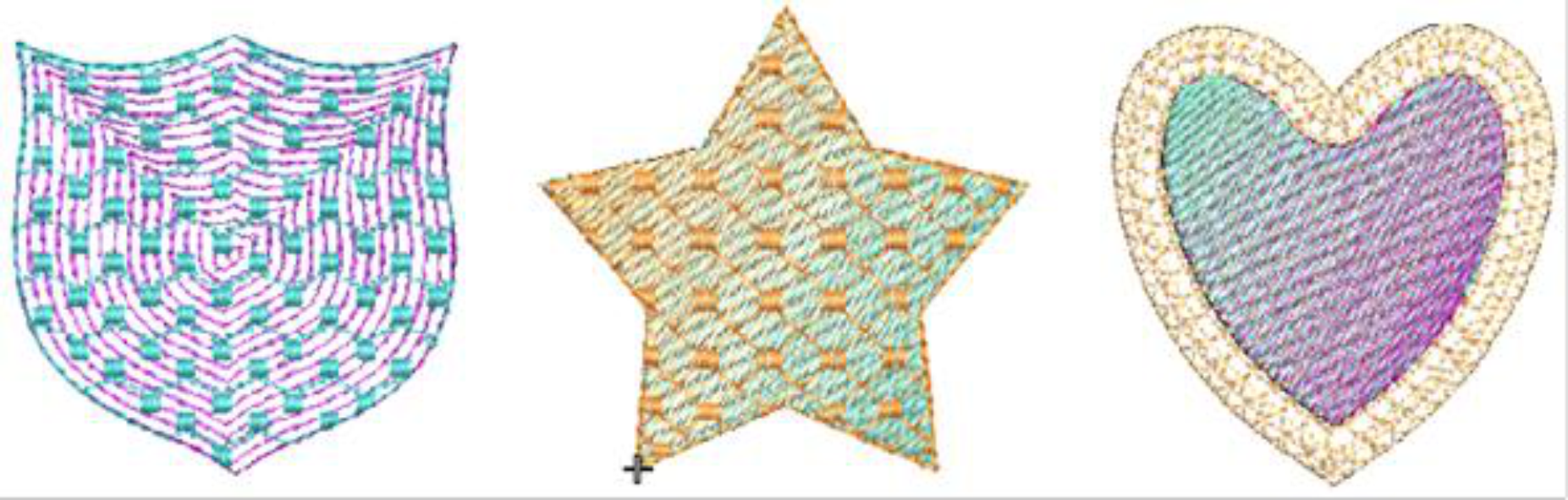
Laydown Stitch creates an open-stitch background to control fabric nap, making it ideal for high-nap fabrics like Terry toweling, knits, and microfiber fleece—no solvy needed. The flexible fill stitch can be applied to any embroidery object, opening up creative possibilities.

